


Your browser is not up to date. This may cause security, speed, and display
issues. Please update your browser.
Update Browser
X
From work time tracking and project time tracking to absences, reports, and integrations with other tools: Discover all of Clockodo’s features and learn how they can make your everyday work easier.




Focus on your work, not on time tracking. Clockodo reliably documents work time and provides the basis for transparent work time accounts, digital work records, and meaningful reports.
Work time tracking provides the basis for transparent workflows. Co-workers track the start, end, and breaks of their work time to the minute in the browser or via the app. All entries are documented automatically and are available for reports at any time. Clockodo automatically calculates planned hours, overtime hours, and absences.
This gives co-workers and managers an up-to-date overview at all times and provides a reliable basis for reports and preparatory payroll accounting. Individual access roles and access rights ensure that every user has exactly the features they need for their tasks.

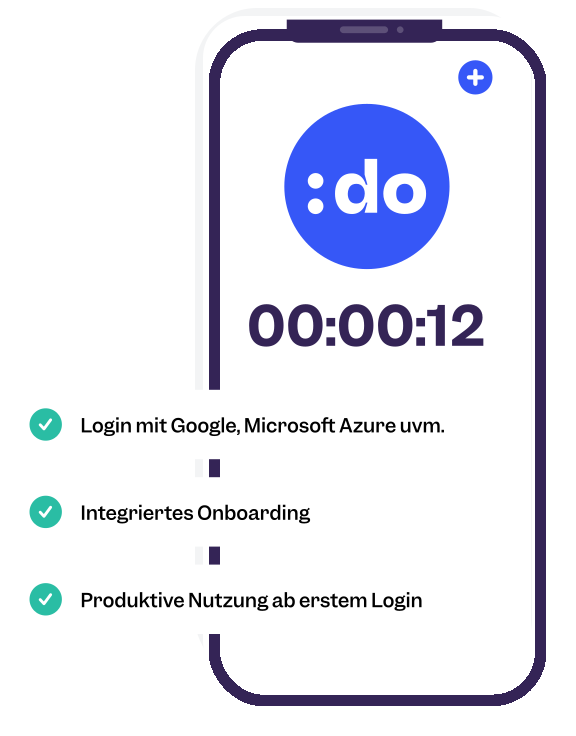
With the digital time clock, co-workers start and stop their work time with just one click. Alternatively, entries can be added manually or entered retrospectively at any time. Work time can be assigned directly to customers, projects, and services and supplemented with descriptions. Save recurring tasks as favorites to start the appropriate entries particularly quickly in the future.
The clock is available in the browser as well as in the desktop and smartphone apps. Thanks to the calendar integration, co-workers can see upcoming appointments directly in the clock and use them to create the appropriate entries.
Every entry is automatically added to the digital timesheet. Instead of using paper or Excel, companies document working hours centrally in one software application and can access them at any time in the browser or via the app.
In addition to work time, customers, projects, and services can also be documented transparently. Editing locks can be used to prevent subsequent changes to completed periods. Digital signatures also make it possible to approve work records directly in Clockodo. This creates complete work records that can be evaluated at any time and used for further processes.
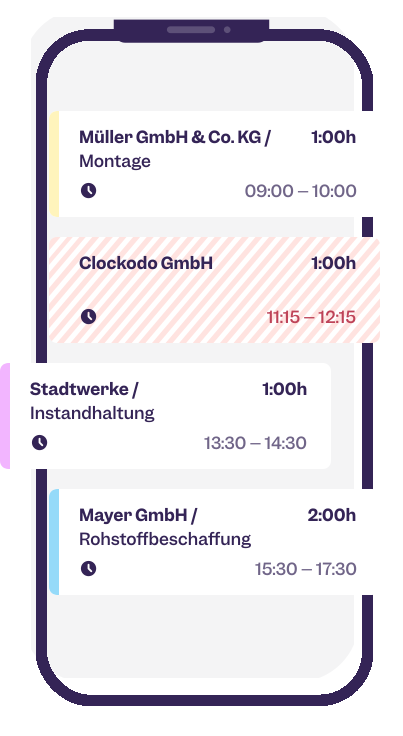

All tracked work time is automatically added to the personal work time account. Clockodo calculates planned hours, overtime hours, and absences and presents them clearly for co-workers and managers. This means everyone can keep track of the current status at all times without having to add up working hours manually.
The work time account takes both work time and absences into account and provides a reliable basis for reports and preparatory payroll accounting. Individual working time models and planned hours can be configured flexibly and taken into account automatically.
Work time, absences, and work time accounts provide the basis for preparatory payroll accounting. Clockodo clearly presents all relevant data, making it easier to process it further for payroll.
Via interfaces to various payroll applications, you can transfer the tracked data without entering it twice. This saves time, reduces errors, and simplifies recurring administrative tasks.

Turn work time into valuable project data. Track time for customers and projects, keep an eye on budgets, and bill services faster and more accurately. This lets you see how profitable your projects are at any time.

Assign work time directly to customers, projects, and services and add descriptions to entries as needed. Stored hourly rates, lump sums, and budgets provide the basis for transparent project management and accurate billing.
Save recurring tasks as favorites and start the appropriate entries with just a few clicks. Recurring projects can also be created, making it even quicker to track regularly recurring work. This way, you always have an overview of ongoing projects.
Project reports show you at a glance how much time has been spent on customers, projects, or individual services. Extensive filters and customized reports provide transparency into effort, profitability, and project progress.
Use the reports builder to create exactly the reports you need for your projects and your company, and export all reports as PDF or CSV.


Track budgets, project time, and project progress in real time. Set budgets in hours or monetary amounts and receive automatic notifications as soon as defined thresholds are reached.
This allows you to identify early on when projects require more effort than planned and take corrective action in time. This creates transparency and helps you complete projects profitably.
Tracked project time can be transferred directly to invoicing applications via interfaces. Stored hourly rates are taken into account automatically, allowing you to turn documented work time into invoices with just a few clicks.
Automatic processing saves time, reduces transfer errors, and speeds up the entire billing process.


Clockodo is a team player and supports your existing billing tool. Connect your software via our plugins or directly via the application programming interface (API) or our CSV exports.


With the Chrome browser extension, you can start entries directly from project management and CRM tools. Customers, projects, and services are transferred automatically, allowing you to track work time without switching between applications.
Co-workers document their work time right where they are already working. This saves clicks and ensures complete time tracking.
Collaboration is easier when everyone knows who is available. Manage absences digitally, coordinate holiday requests, and keep track of your team at all times—whether they are in the office, working from home, or on the go.
Manage sick leave, working from home, time off in lieu, professional development, and other absences centrally in one software application. Holidays can, of course, also be tracked and documented digitally. All absences are managed clearly in one place and are available to co-workers and managers at any time.
The shared absence planner shows at a glance who is available, out of the office, or absent. Country-specific nonbusiness days can also be taken into account depending on the location. This makes workforce planning easier and ensures transparent processes across the entire team.


Co-workers submit holiday requests directly in the browser or via the app. Managers are notified automatically and can approve or reject requests with just a few clicks. Clockodo replaces paper forms and lengthy coordination processes with a digital workflow.
Holiday allowances and remaining holiday are updated automatically, and approved holidays are added directly to the team calendar. Everyone involved can keep track of holiday entitlements and planned absences at all times.
Use Clockodo in the browser, via the desktop client, smartphone app, or together with a time tracking terminal. This allows co-workers to track work time wherever they work.
All data is synchronized automatically and available on every device. Work time can be tracked reliably even without an internet connection. As soon as a connection is restored, the data is synchronized automatically. This provides maximum flexibility in the office, when working from home, and on the go.

Clockodo does not work in isolation—it works with your existing applications. Interfaces, the browser extension, API, and MCP server connect time tracking with your processes and reduce duplicate data entry.

Connect your calendar to Clockodo and transfer appointments directly to time tracking. Meetings and customer appointments can be turned into entries without any extra steps.
Approved absences can also be synchronized with Outlook or Google Calendar. This gives teams an up-to-date overview of appointments and availability at all times.
Clockodo integrates with numerous applications for invoicing, payroll accounting, project management, CRM, and HR management. Single sign-on (SSO) also makes centralized login easier for companies. This allows your existing systems to work seamlessly together without having to track work time multiple times. Regular backups also help ensure that your data remains reliably protected.
In addition to the numerous partner interfaces, further options for individual integrations are available. This allows Clockodo to adapt flexibly to your existing software environment.
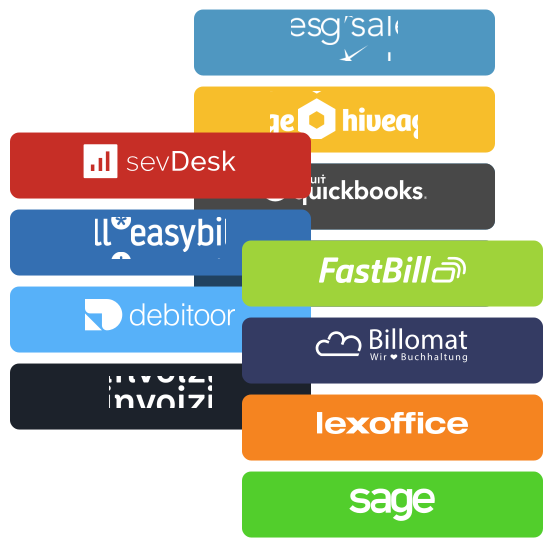

The MCP server lets you securely connect AI applications to Clockodo. Work time, projects, and other data can be used for intelligent automations and AI-powered workflows.
This allows you to enhance Clockodo with modern AI features and integrate artificial intelligence directly into your existing processes.
The API allows you to connect Clockodo flexibly to your existing software environment. Work time, projects, and absences can be exchanged automatically and integrated into custom business processes.
This allows you to develop your own interfaces and create tailored workflows that fit your company’s exact needs. Webhooks also make it possible to respond automatically to events in Clockodo and trigger processes in real time.

Clockodo combines work time tracking, project time tracking, absence management, work time accounts, reports, and numerous interfaces in a single application. Depending on your plan and requirements, different features are available for your daily time tracking and project organization.
 Bechtle
 Peerigon GmbH
 Phoenix Logistik
 Fidea
Fidea